
Product Generator: Describe a Product, Get a Published Listing
TrooixAdding a new product is more work than it should be: write a description, find or make a photo, set up variants, then remember to publish it to the right sales channels. The Product Generator does all of it from a plain-English description.
How it works
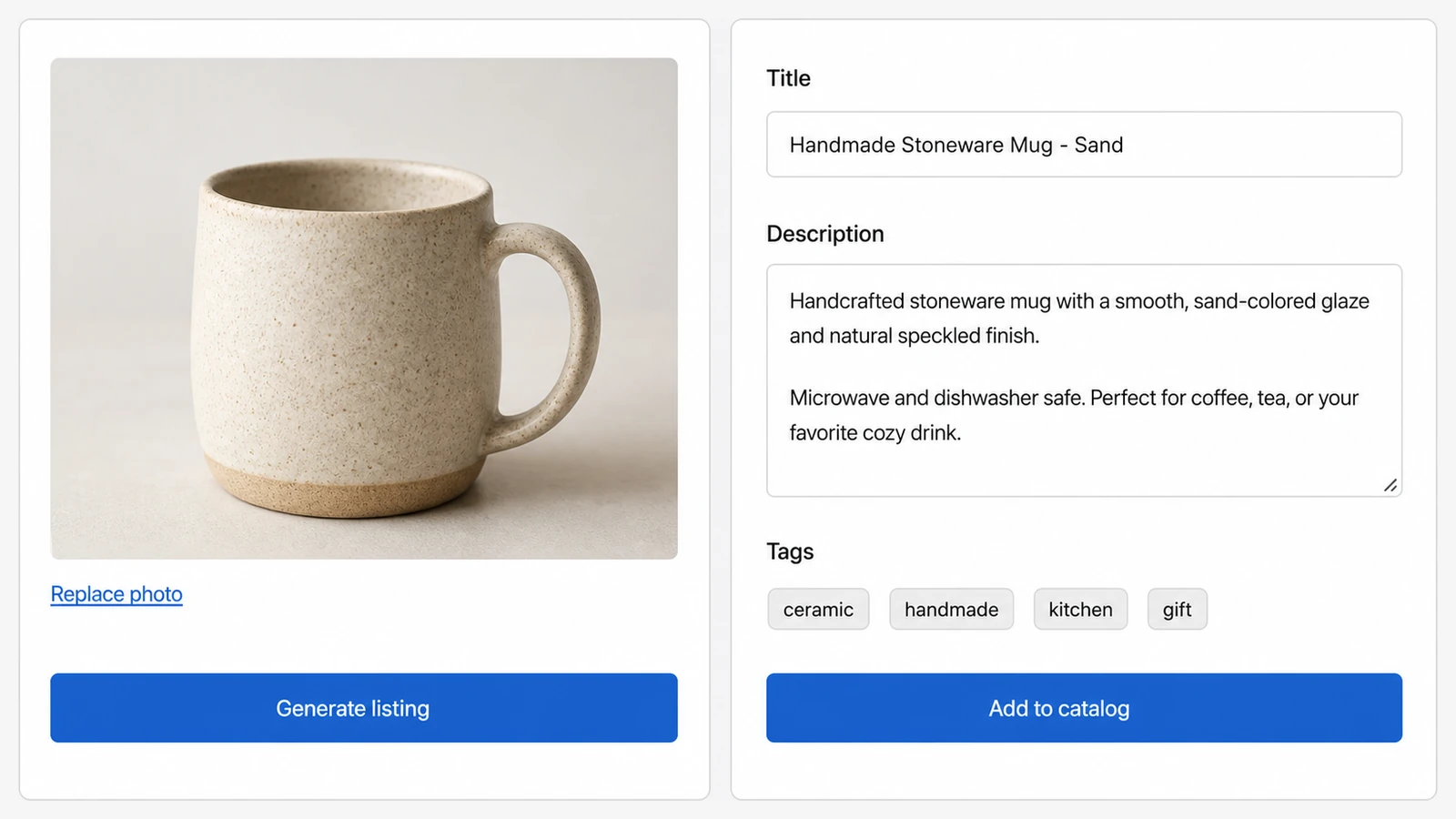
- Describe the product. Say what it is in your own words — "a hand-poured soy candle, lavender scent, 8oz amber jar." Add a photo if you have one, or let Trooix create the image.
- Set the details (optional). Add a target keyword, choose your brand's writing tone, pick a collection to add it to, and choose which sales channels it should go live on.
- Trooix builds the listing. It writes the product description, creates a hero image, and sets up the variants — a complete product, ready to go.
- Review and publish. Check it over, then publish it to your store and the sales channels you picked.
Why merchants use it
- Launch products in minutes, not an afternoon — especially useful for big catalogs or seasonal drops.
- Descriptions that sell and rank. Written in your voice, with your keyword woven in.
- Variants and channels handled — no separate steps to remember.
- A hero image included, so the product looks finished from the start.
Good to know
It creates a real product in your store — you review everything before it goes live, and you choose exactly which sales channels it publishes to. Bring your own photo or let Trooix generate one; either way the listing is ready to sell.
Add Trooix to Your Shopify Store
Get the exact feature your store needs — describe it in plain English and Trooix builds it for you. Install Trooix from the Shopify App Store — free to install, runs inside your Shopify admin, no developer needed.